
Contents
When a box arrived from Chigee with a review unit of their AIO-6 MAX system, I wasn’t expecting quite so many boxes inside it. Laid out on the floor, it looked like a small electronics shop: the AIO-6 MAX unit itself, a set of dedicated dashcam cameras, external tyre pressure sensors, a lens hood, a quick-release base, and a quick-release kit to mount the whole thing. The brief was simple: install it, run it with Scenic, and report back honestly.
I’ve been a Scenic user for years. This was my first time running it on a dedicated motorcycle screen rather than a phone mount. Here’s how it went.
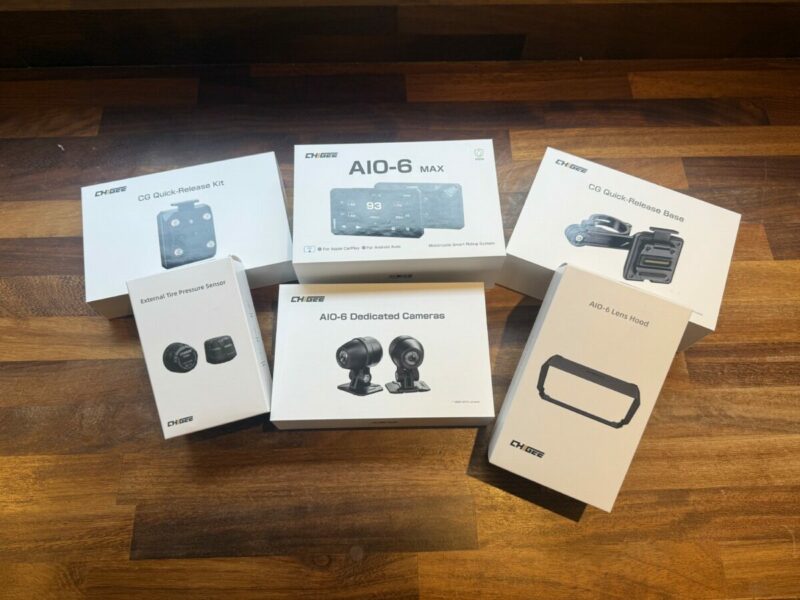
A lot of boxes, let’s get started
Unboxing: More Than You Bargained For
The AIO-6 MAX system isn’t just a screen you slap on your bars. It’s a proper motorcycle computer, and the unboxing reflects that. Alongside the unit you get a reasonably involved wiring loom: a hardwire harness with ring terminals for the battery, a switched ACC wire, camera cables, and a small but actually useful quick-start guide.
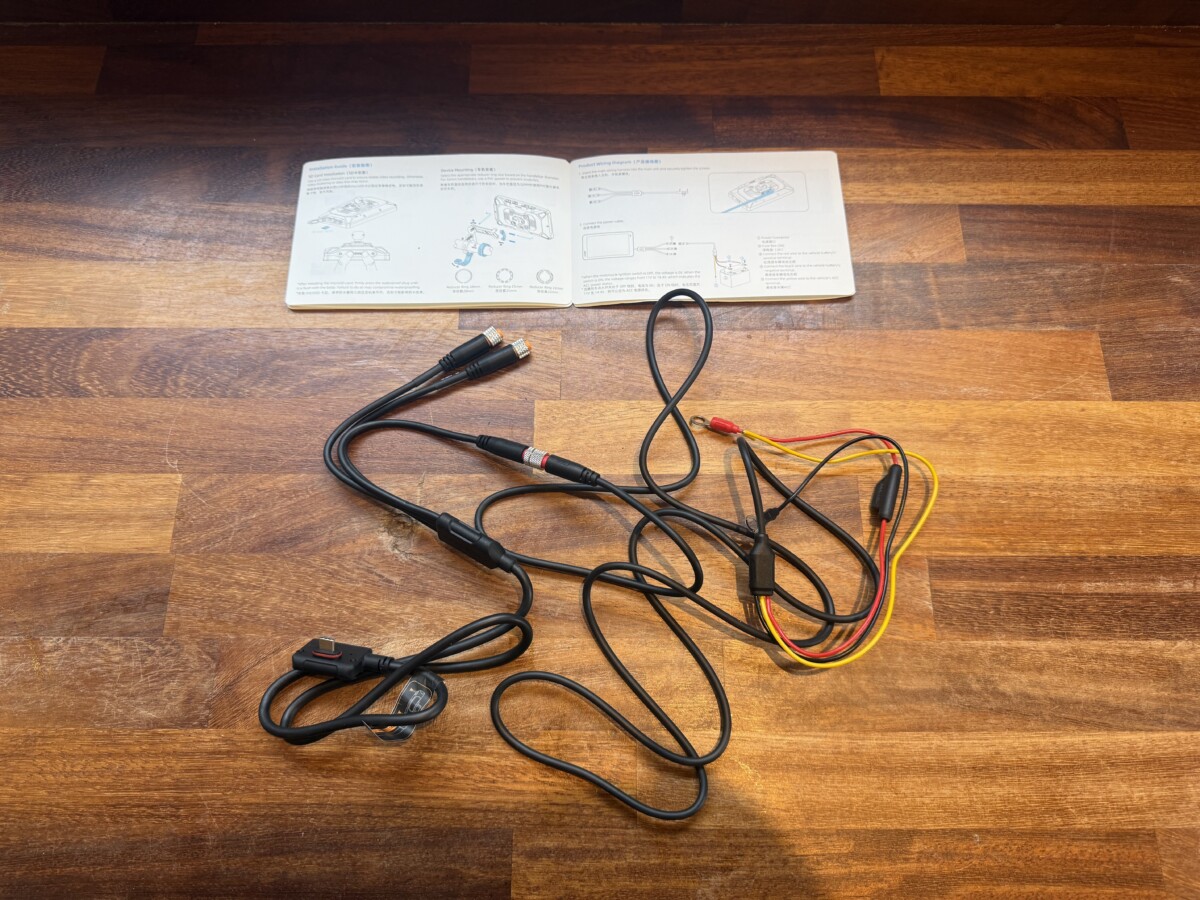
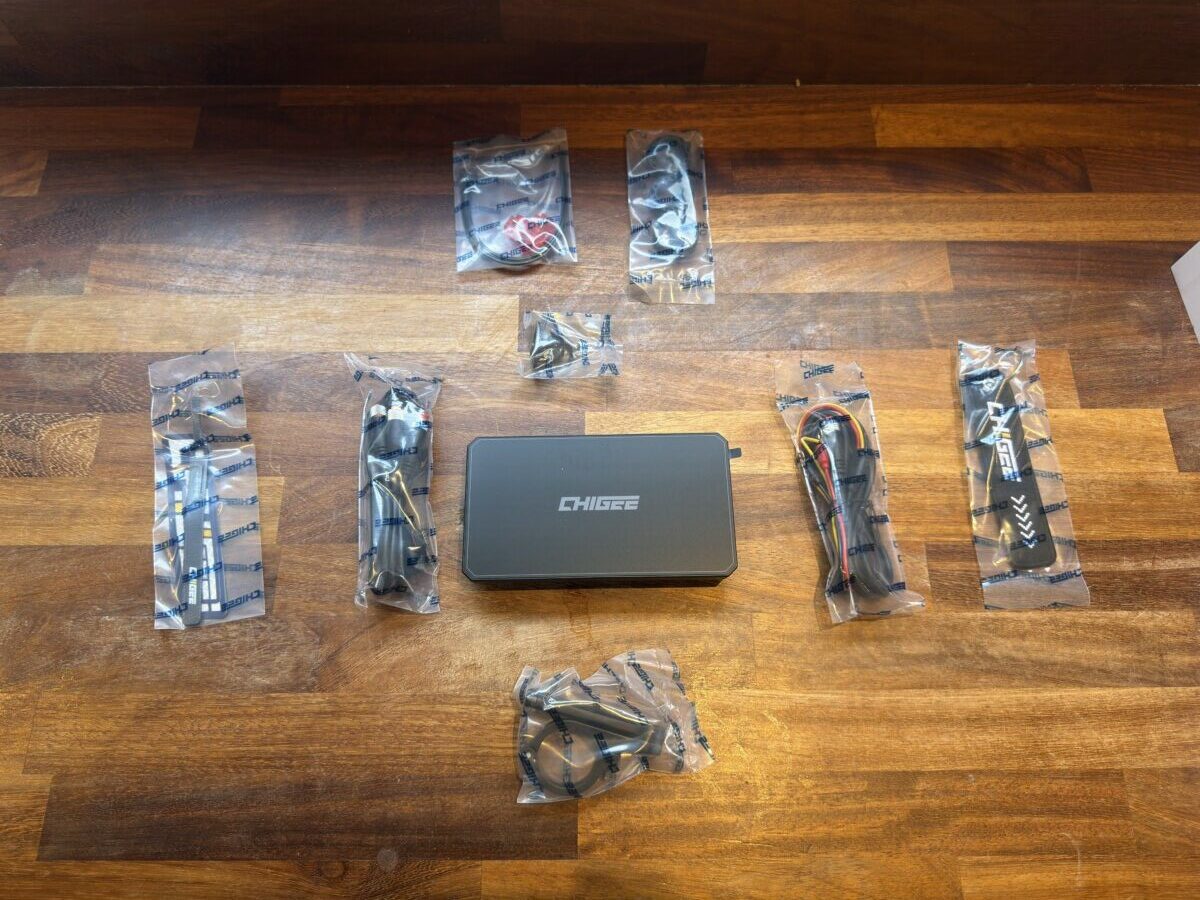
Looking at the tangle of wires is momentarily daunting, I won’t pretend otherwise. But credit to Chigee: the cable quality is solid, everything is labelled, and once you understand what each element does, the logic is sound. I won’t replicate their installation guide here because theirs is better. They’ve got thorough, bike-specific resources online which I totally ignored. What I will do is tell you quickly how it actually went on a 2016 Honda Africa Twin CRF1000L.
Installing the Chigee AIO-6 on a Honda Africa Twin: What to Expect
Installing the Chigee itself, mounting it to the bars and connecting it to the battery, was straightforward. The part that took time for me was finding the ACC fuse: the wire that tells the Chigee the ignition is on, so it powers up and shuts down with the bike rather than running continuously.
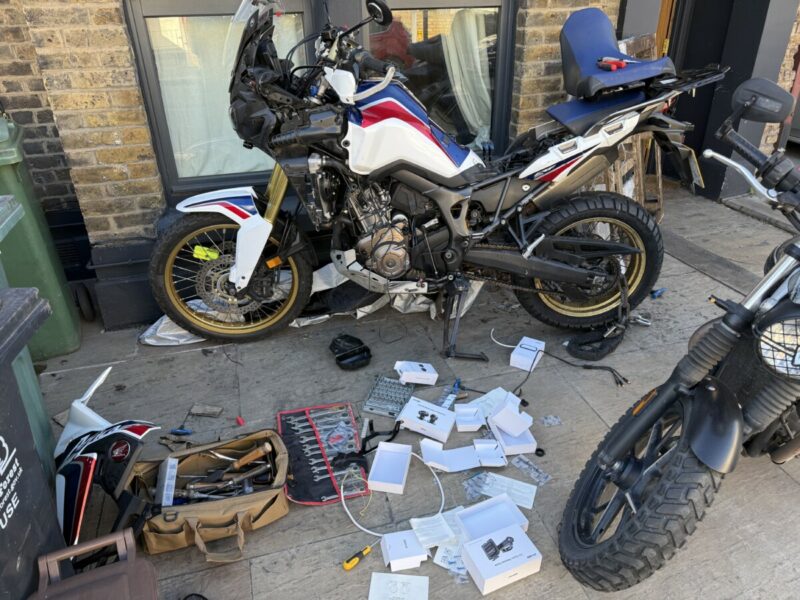
The moment I realised I should have googled first.
On the Africa Twin, the internet will tell you it’s buried behind the front instrument cluster. On mine, this meant pulling off fairings and digging around in the dark with a torch, staring at a web of wiring I hadn’t seen since I bought the bike. After more digging than I’d care to admit, I discovered there was a simpler option: the fuse box under the seat. It turned out I didn’t need to pull apart my bike to find an ACC slot, I could just splice it into an existing fuse there that was already ignition-switched. I felt like such a man writing that sentence, and doing the wiring. The Chigee wire was slightly too short to reach it cleanly, so I extended it. A simple job, but one that added an hour to the afternoon.
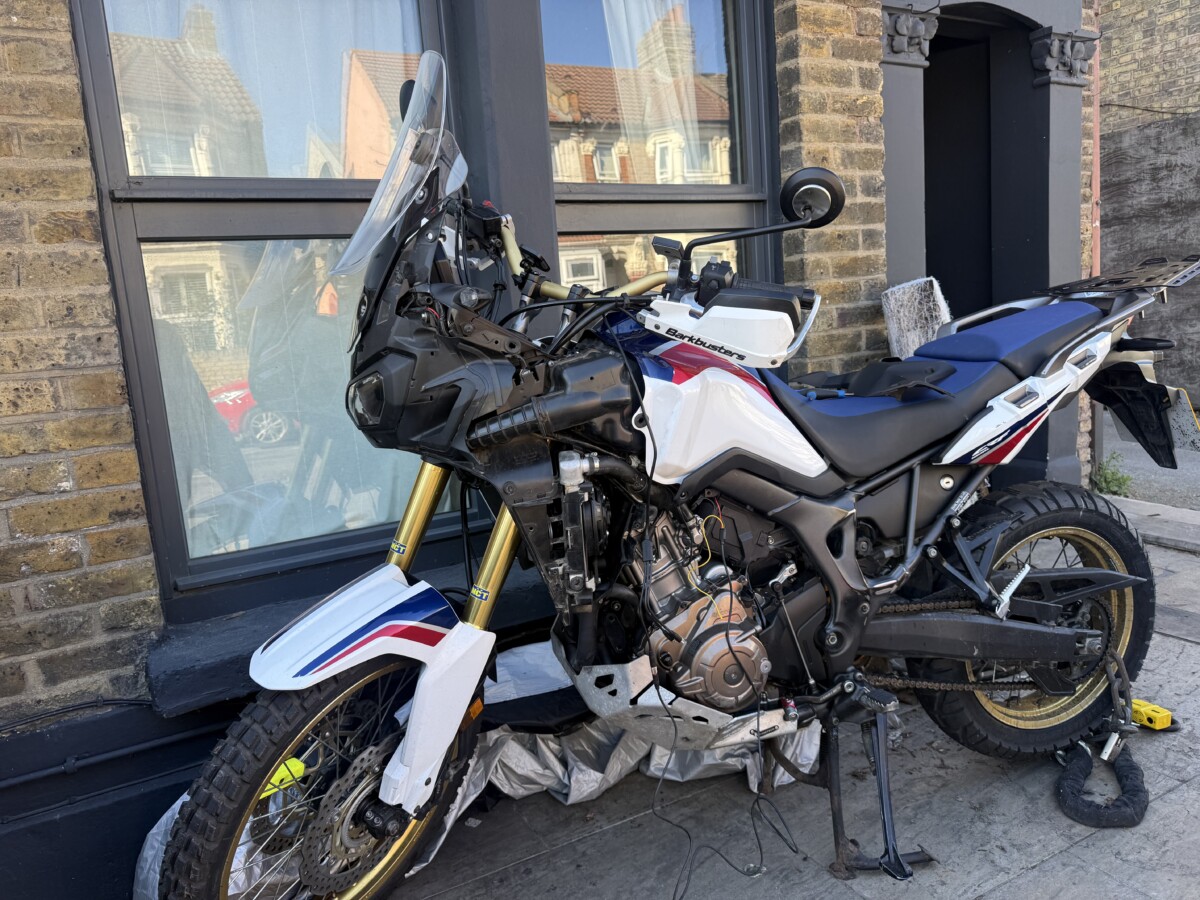
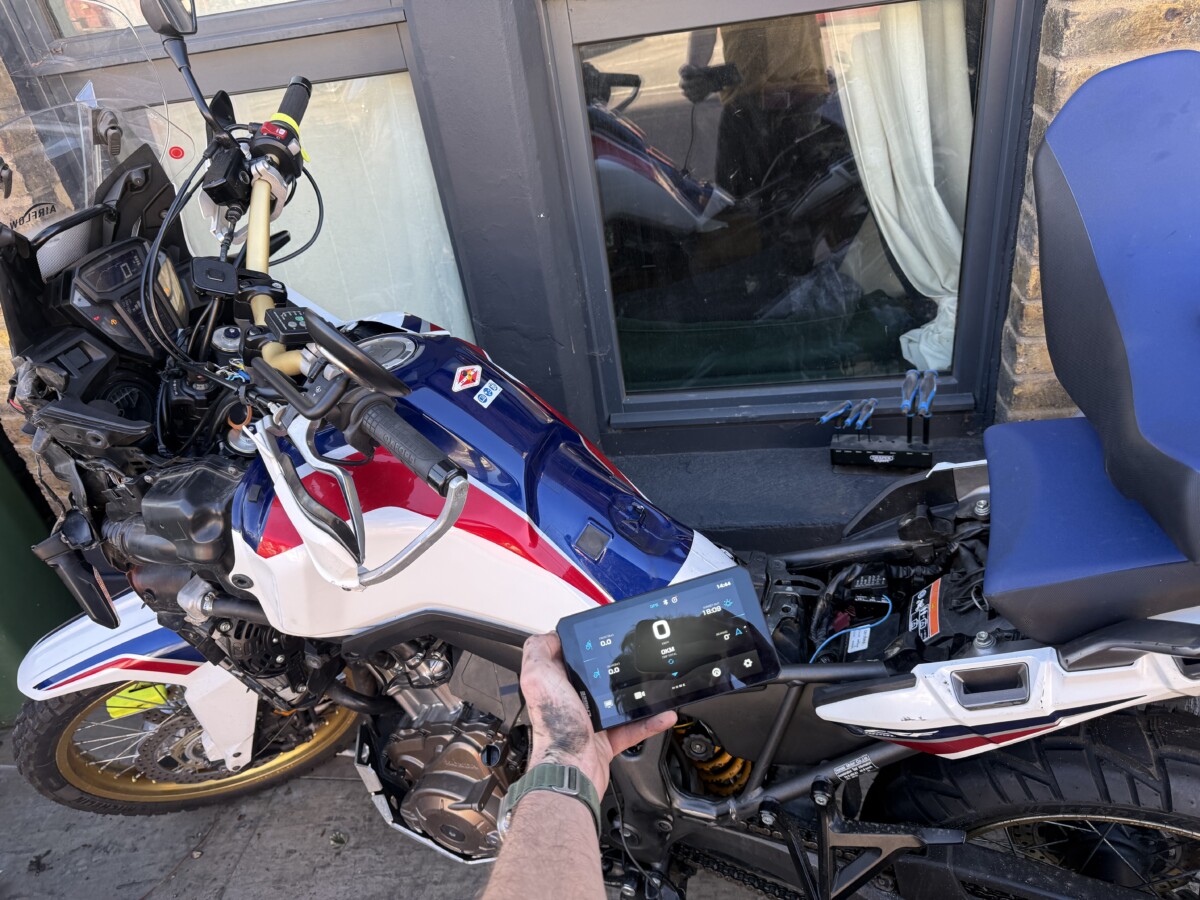
When it finally lit up for the first time, sitting there in my hand with the bike behind it, there was a proper little moment. It worked first time. No drama. After a couple hours of swearing and wishing I’d googled before starting, I came out of it feeling like I knew my bike better than I did going in. The Chigee did as good a job as possible of making the install simple. My bike, specifically its 2016 fuse layout, was the limiting factor, not the unit.
Cameras and TPMS Sensors: Ten Minutes, Done
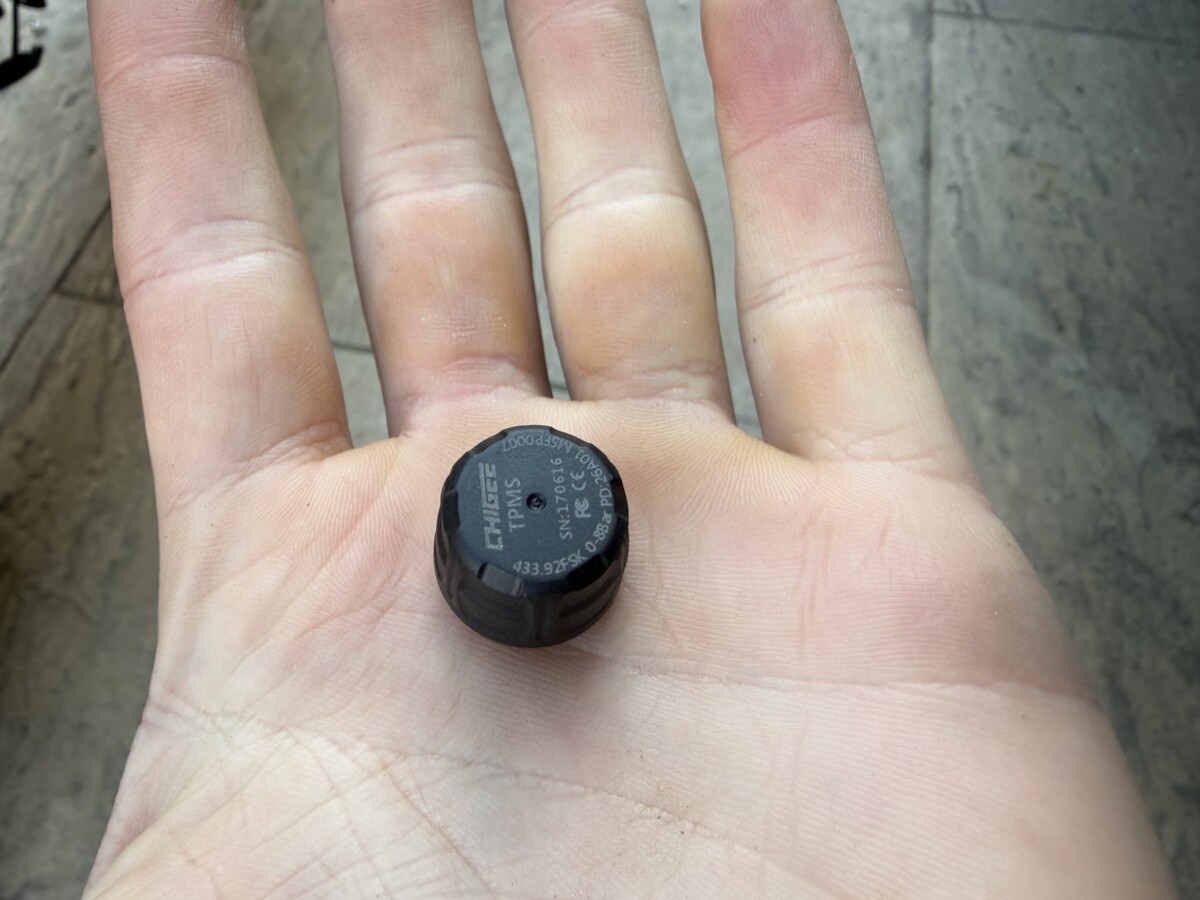
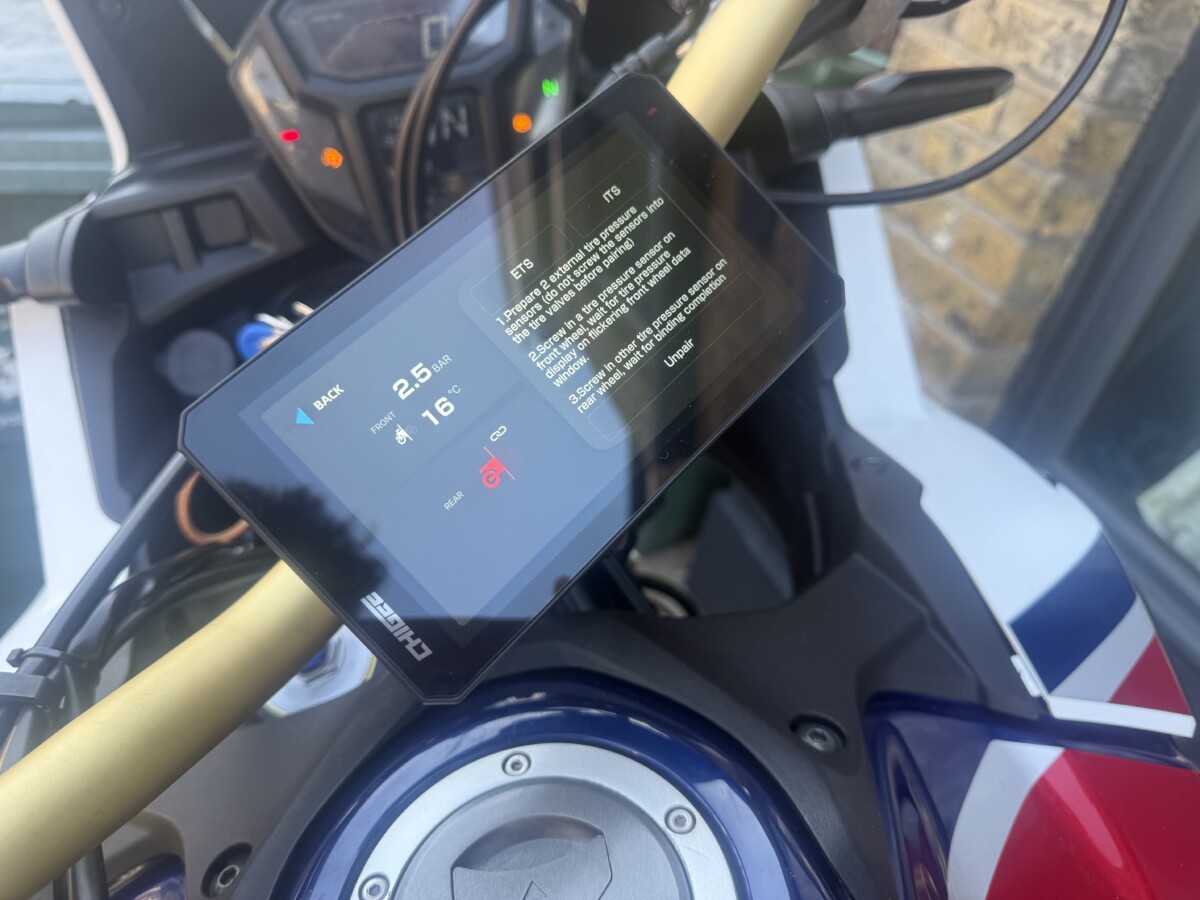
The camera and tyre pressure sensor installation was a different story entirely: the kind of job you expect to take an hour and wraps up in ten minutes. The TPMS sensors screw directly onto your valve stems. They paired immediately and the screen showed live pressure and temperature readings without any fuss.
The cameras mount via adhesive patches. One word of advice: clean the surface thoroughly with an alcohol wipe first. I didn’t, and the patches didn’t hold, so I ended up using superglue. It works, but an alcohol wipe would probably have been enough.
First Ride: Better Than I Hoped
Coming from years of running my phone on the bars, the first thing I noticed was an absence: I couldn’t see message previews dropping in at the top of the screen. Muscle memory kept making me glance up expecting something that wasn’t there. For about the first ten minutes, this felt like I’d spent the day installing something that would just be less useful than whacking a phone mount on.
Then I tried CarPlay’s read-aloud feature, and it clicked. I hadn’t realised how much peripheral attention I was absent-mindedly giving my phone screen until it wasn’t there to give it to. The Chigee just shows you navigation. That’s it. It turns out that’s exactly what you want when you’re moving through traffic.
The Chigee home screen gave a load of really interesting information. This clean layout is where you see your speed, tyre sensors, bearing and even when sunset is. You can also see your lean angle and altitude a tap away. We have a lot of this in Scenic in our ride tracking screens, but having it a single button away made me even more interested to actually check it mid-ride.
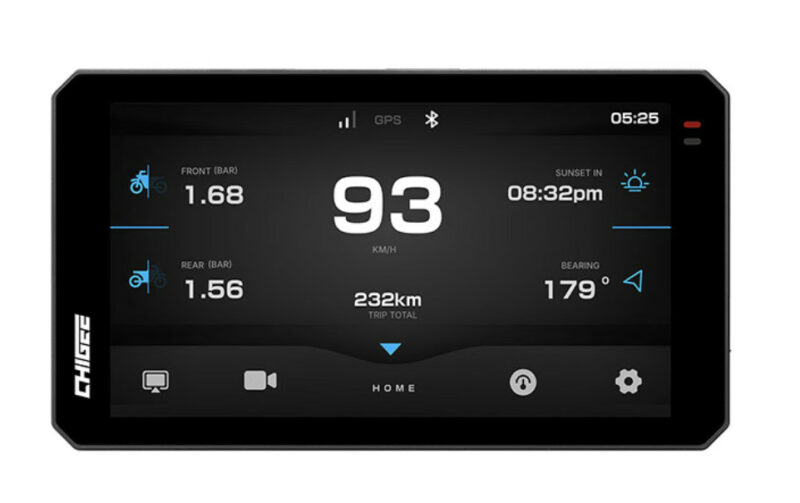
The thoughtful design of the Chigee unit caught up with me bit by bit as I tested. My favourite feature was a simple one: the four buttons on the top. These take you instantly to the home screen, Carplay/Android Auto screens, and Cameras (also allowing you to switch between front and back views). The instant responsiveness of these taps made such a difference when switching between apps, and checking behind you, that I actually started using the rear camera over looking over my shoulder when caught in heavy traffic.
Testing Lesser Navigation Apps (For Scientific Purposes)
-
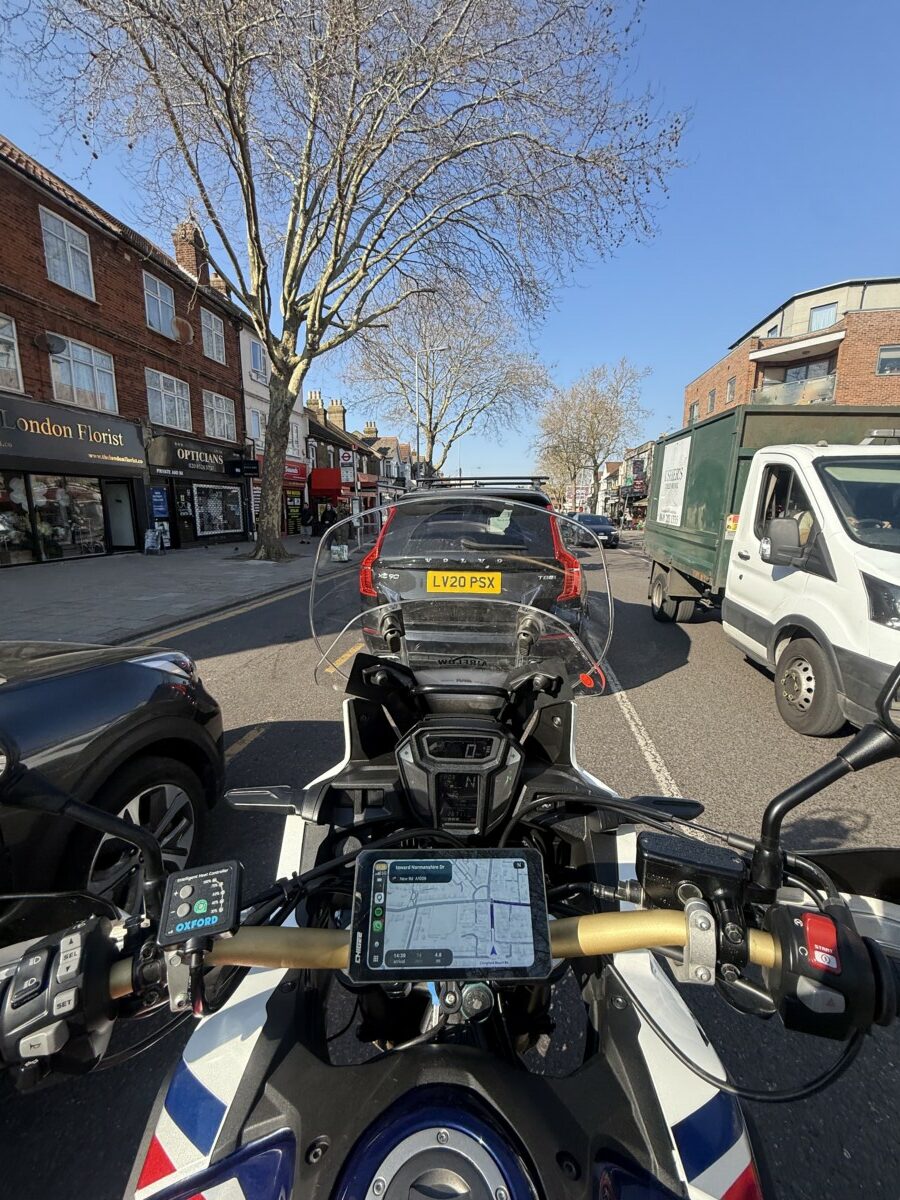
- ew gross
-
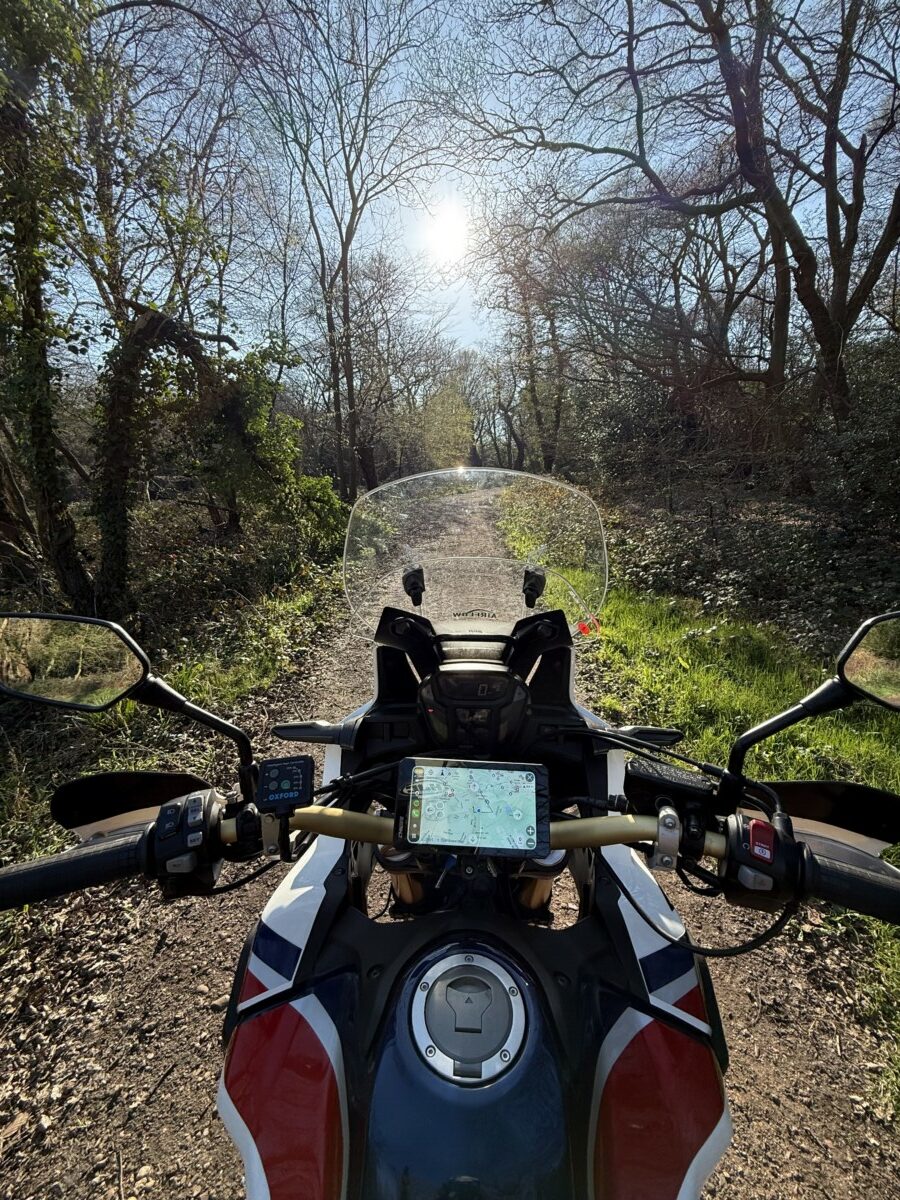
- That’s better
In the interest of thorough scientific enquiry, I did test other navigation applications on the Chigee. I can confirm they function correctly. I can also confirm that during these tests I somehow ended up in traffic, stuck behind a lorry, questioning my choices.
When I switched to Scenic, I found a rather better route. Funny how that works.
Does Scenic Work with the Chigee AIO-6? Yes, and It’s the Best Way to Run It
Full disclosure: This was actually the first time I’d used Scenic through CarPlay despite having used it on my phone for years. The experience was noticeably different, in a good way.
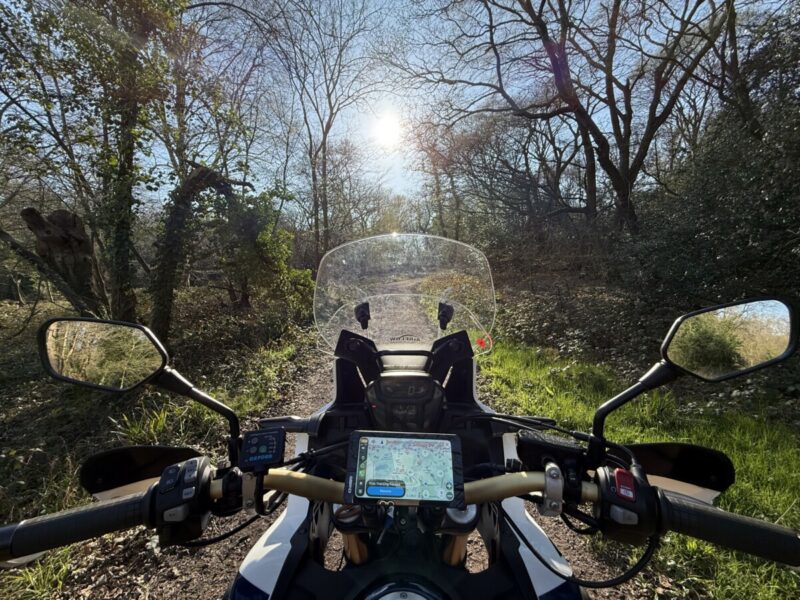
The Scenic interface on the Chigee AIO-6 strips back to exactly what you need: clean navigation, a clear map, and touch controls sized for gloves. The routing options are all there, motorcycle mode, curvy routes, avoid motorways, all accessible in a couple of taps. The layout feels almost more considered than the phone version (don’t tell Guido I said this, or do actually, he listens to feedback). There’s something about having it on a dedicated screen in a fixed position that makes it feel properly part of the bike rather than something bolted on afterwards.
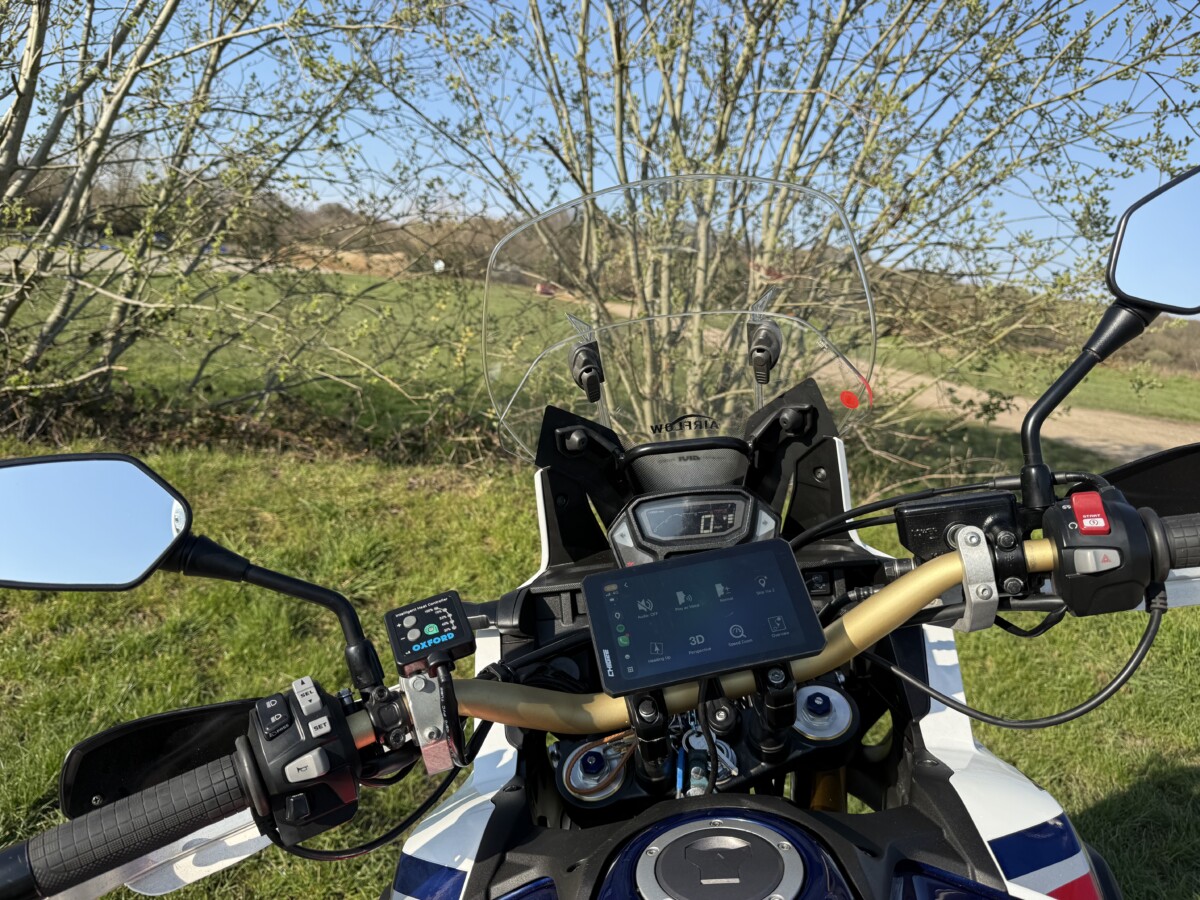
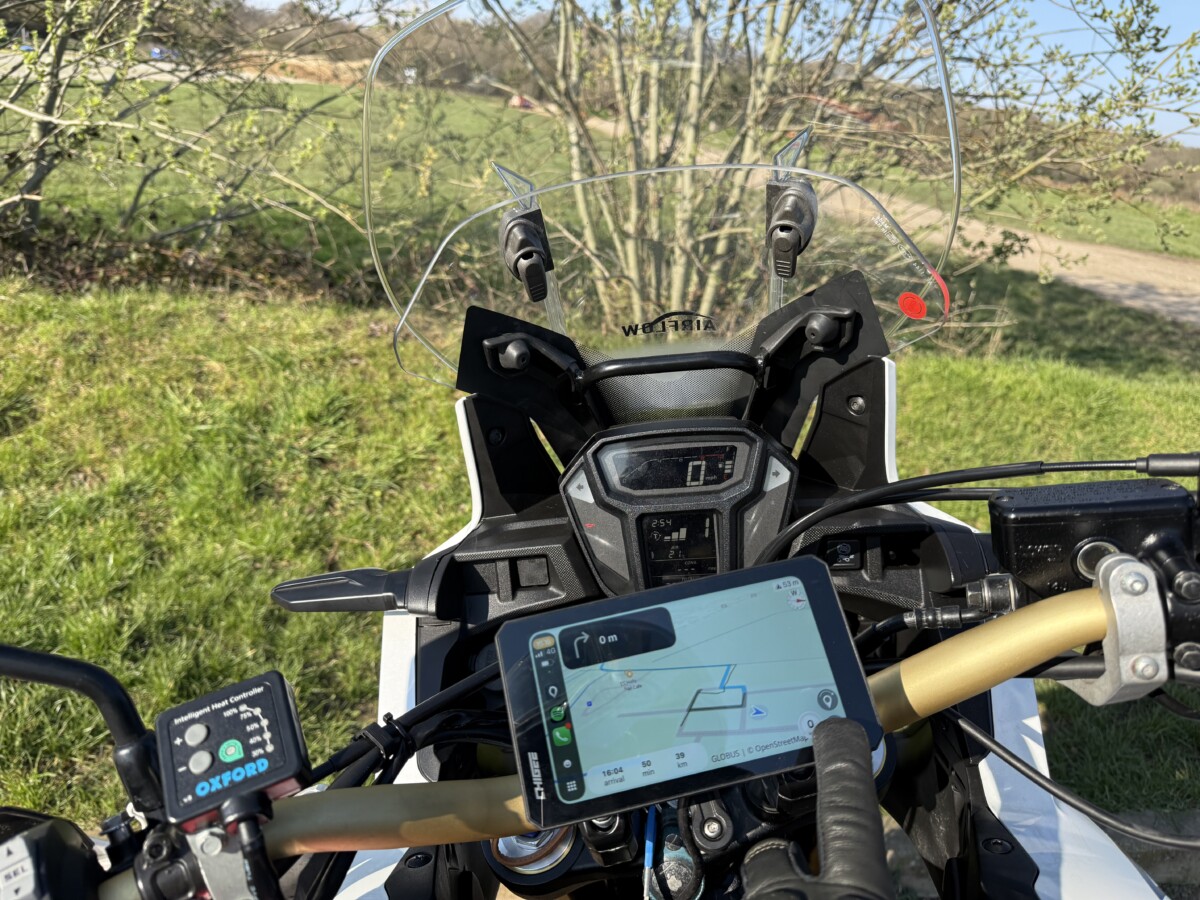
The one limitation is that you can’t browse routes or use the Power Planner within CarPlay itself. The workaround is seamless though: switch to the Scenic app on your phone, set the route, switch back to the Chigee. Your route is there, ready to go. It took about twelve seconds the first time I did it.
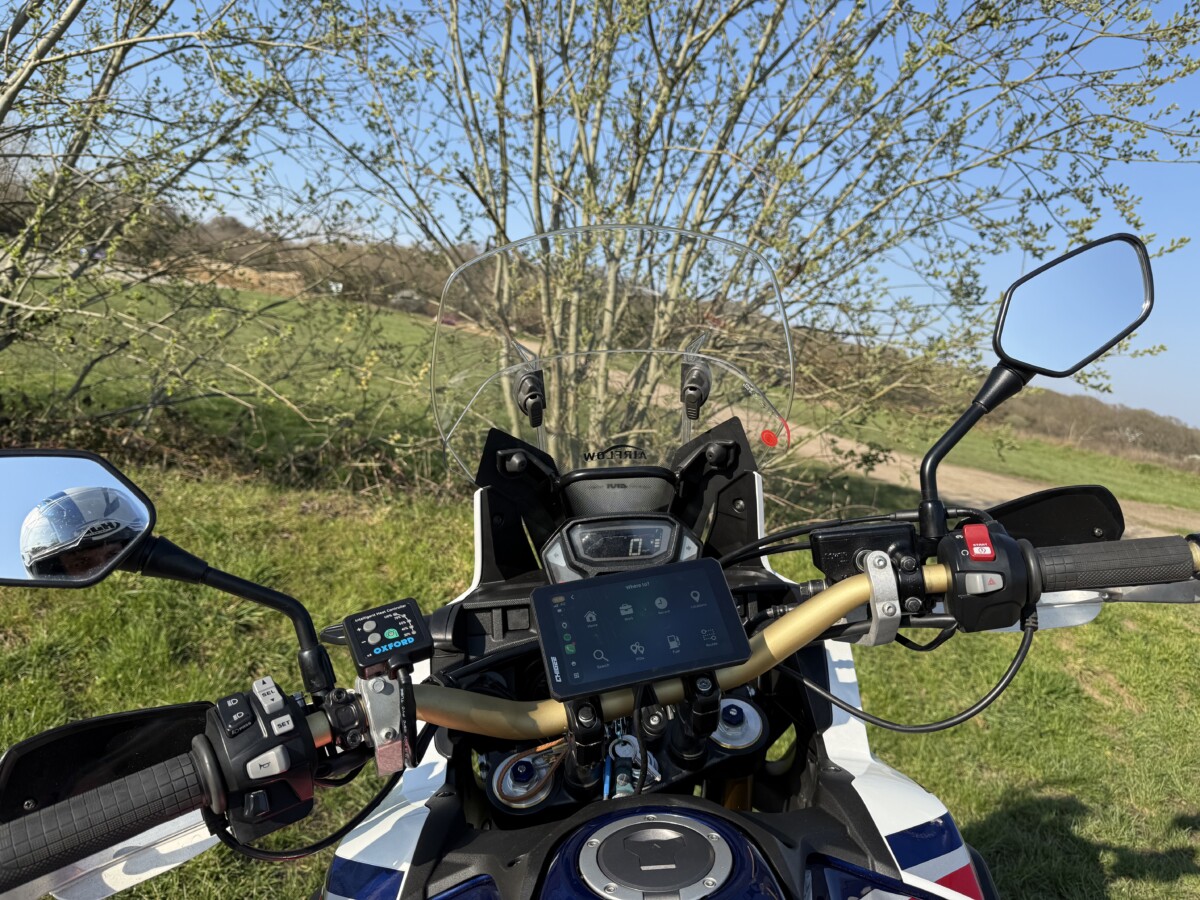
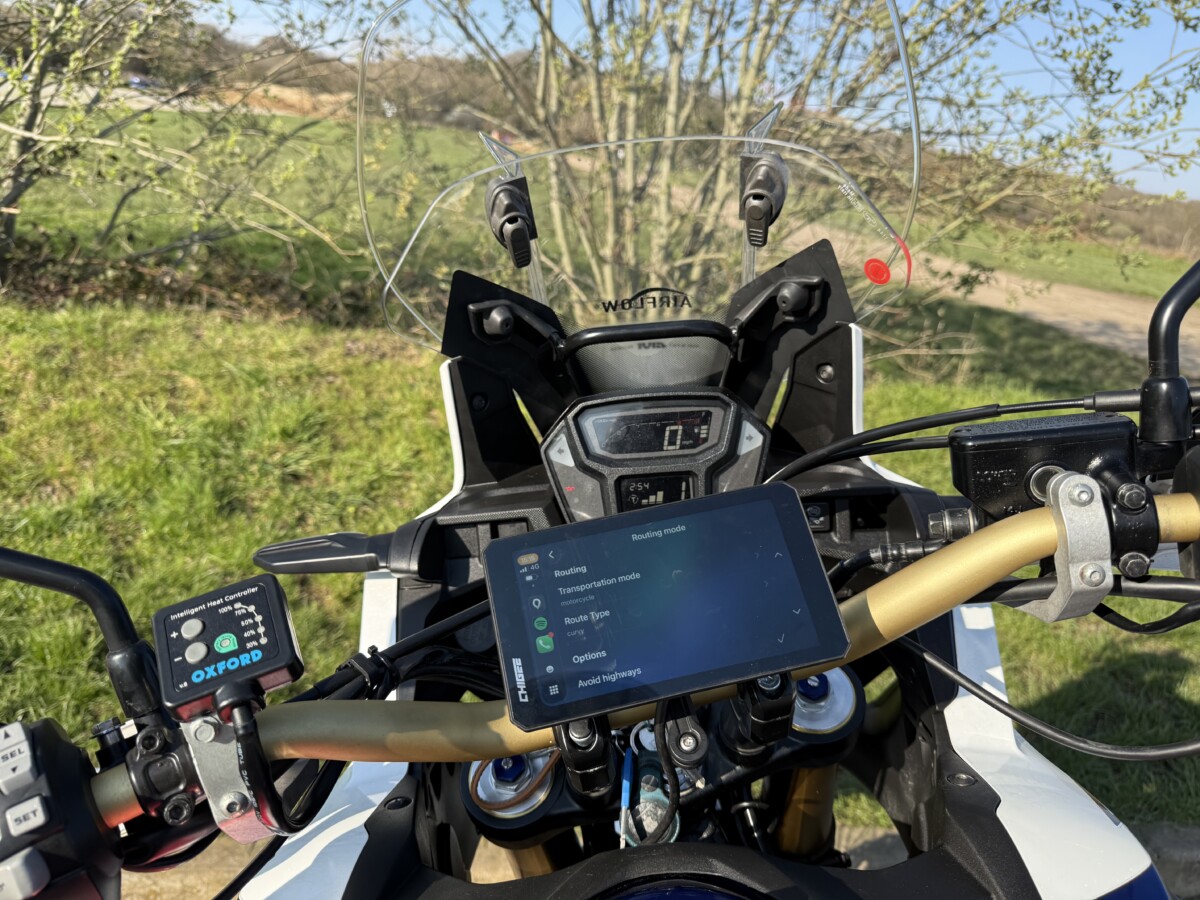
The Spotify integration also deserves a mention. Having music available as a side app, without pulling your phone out, is one of those small quality-of-life additions that you stop noticing because it just works. For Android users: Scenic for Android is coming fast!
At the time of writing we’re still in Open Beta (meaning Android is free for everyone) and one of the missing features is Android Auto, but it’s coming. The good news is that I am reliably told by Android owners that Chigee works just as smoothly on Android as it does on iPhone, with the same clean interface. Whether you’re on iPhone or Android, the Chigee is one of the best ways to run Scenic on your bike.
Extended Testing: Peak District
A proper test meant a proper ride. I took my long-suffering partner out for a day in the Peak District, Scenic plotting the route, the Chigee keeping us pointed in the right direction. We ended up in Matlock, which if you’ve not been is exactly the kind of town that appears at the end of a good biking day: tea, bikers, a reason to sit down for twenty minutes. Then the long way home.
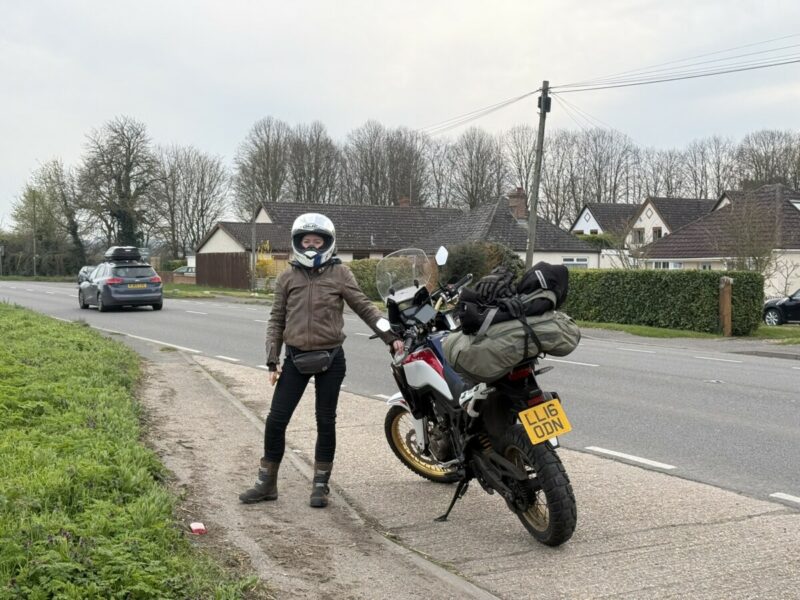
This was the longest two up ride we’d done together
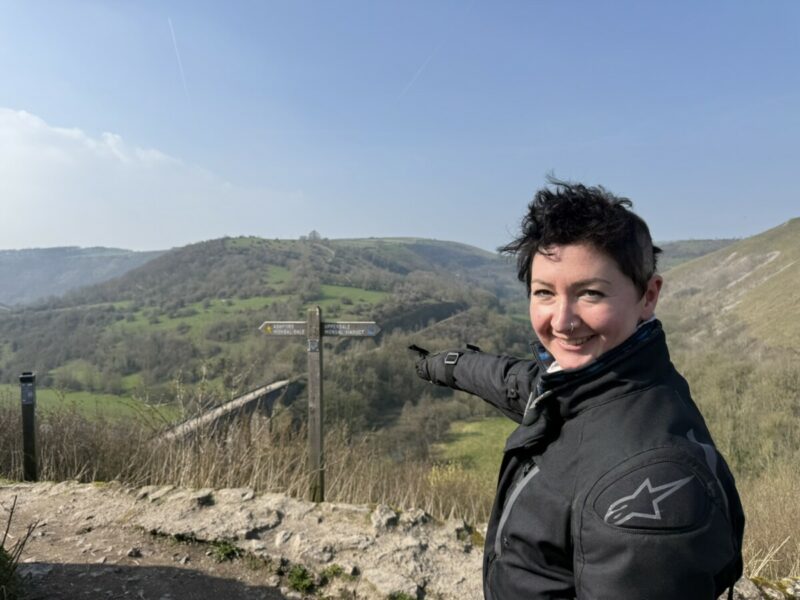
Oh look, a Scenic view
We had a blast riding around the peaks. It sounds like I’m just saying this for a review, but honestly having the dedicated screen let me be more present on the ride, and safer with my partner/pillion.
By halfway round, the Chigee had easily already earned its place as a permanent part of my motorcycling set up. The only criticisms I had were one bluetooth disconnection on the way back which, to be fair, we fixed by disconnecting and reconnecting; and the scratch-resistance of the screen.
I live in London, for my sins. Theft here is real, I know this because my Africa Twin was stolen only 2 weeks after I first bought it, and it’s taken me years to live down the insurance implications. For that reason my gut told me to add the quick-release mount, even though Chigee assure us that their theft-resistant screws and ‘auto-record on move’ features actually make the Chigee a theft deterrent. Either way, they provide a quick release unit – this should come with a screen protector, as after only a day of being taken off and put in my jacket pocket, the screen already has several scratches. Nothing that affects usability or that’s noticeable whilst driving, but it’s only been 2 days. I’ve ordered a screen protector – if you’re planning on buying one I recommend you do the same.
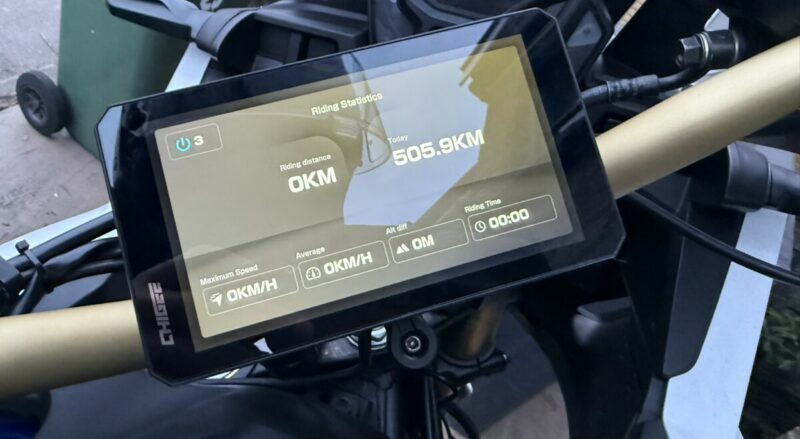
By the time we got back, on the second day the Chigee had logged 505.9km. The riding statistics screen does a neat job of surfacing max speed, average speed, distance, and elevation change. (I turned it off and on before remembering to take a photo for the blog, hence the 0km/h – I’m not that slow)
Verdict: A 10-Year Upgrade in an Afternoon
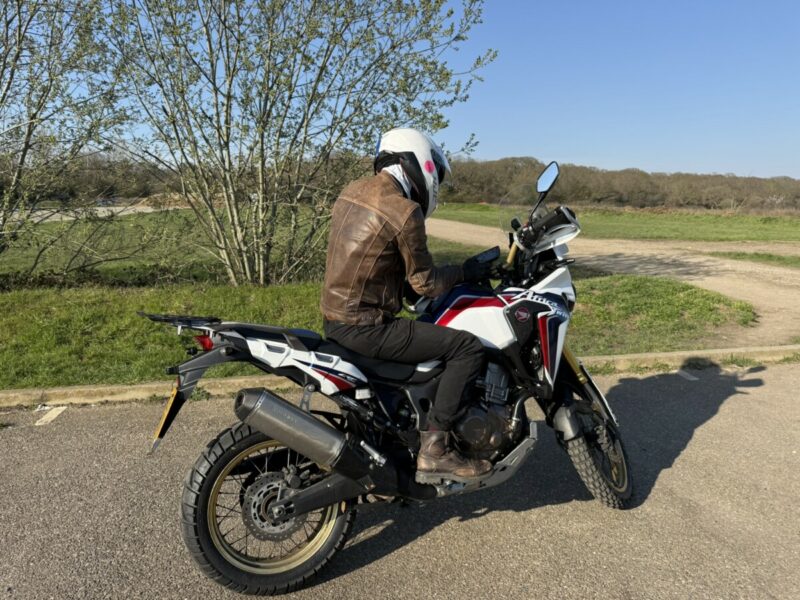
After a weekend and more than 1000km of testing, the Chigee AIO-6 MAX is staying on the bike. It’s as close to plug-and-play install as you can get, the limiting factor is your bike, but to be safe: expect an afternoon. Once it’s in, it genuinely changes how the bike feels. My Africa Twin is a decade old now. The Chigee makes it feel like a brand new machine.
For Scenic users specifically, the CarPlay (and soon Android Auto) integration is the cleanest way I’ve found to run the app on the road. The interface is sharp, the controls are glove-friendly, and the routing options are all there. It’s become my default setup, and I’m not moving back.
Scenic Discount on Chigee: Worth Knowing Before You Buy
After using a few different carplay setups, we’ve found our favourites, and Chigee definitely makes the list as the premium ‘bike upgrade’ choice. So we’ve done the smart thing, and started a partnership with them.
If you want to try Chigee out for yourself, there’s a discount available directly in the Scenic app. Free users get 8% off, and Premium users get 12%. These units are truly fantastic upgrades, but they aren’t cheap. The unit itself is ~£500, and the full setup I reviewed would normally run to almost £900. At 12% off, the saving essentially gives you two years of Scenic Premium for free.
Make of that what you will, but I know what I’d do.
Quick Answers: Scenic and Chigee AIO-6
Does Scenic work with the Chigee AIO-6?
Yes. Scenic runs via Apple CarPlay and Android Auto on the Chigee AIO-6 MAX and AIO-6 LTE. The interface is clean, glove-friendly, and gives you full access to routing options including motorcycle mode and curvy route preferences. For my money it’s the best way to use Scenic.
Does Scenic have CarPlay support?
Yes. Scenic supports Apple CarPlay. On a dedicated screen like the Chigee AIO-6, it’s arguably the best way to use the app while riding.
Does Scenic work with Android Auto on the Chigee?
We are so close to saying yes. By the time you read this it’ll probably be a resounding one. Android Auto support is coming in the next few weeks. Grab a version of Scenic for Android while it’s in the last stages of Open Beta. The Chigee AIO-6 works perfectly for both iPhone and Android users.
Can you browse Scenic routes on the Chigee?
Within CarPlay and Android Auto, you can’t use the full Scenic route browser or Power Planner. The workaround is to set your route in the Scenic app on your phone first, then open CarPlay or Android Auto on the Chigee and it will be ready to navigate.
How good is the Chigee really?
In a word: perfect. I couldn’t think of an improvement I’d make beyond an included screen protector.
How can I save money on a Chigee unit?
In our in-app offers store we’ve got discounts for a range of our favourite brands, including Chigee! This is 8% for Free and 12% Premium members. Click the link in-app to open the store and save.
Tested on: Honda Africa Twin CRF1000L (2016) • Kit reviewed: Chigee AIO-6 MAX, Dedicated Cameras, External TPMS Sensors, CG Quick-Release Base and Kit.


