Quote from
chupa88 on 02.11.2026, 10:21
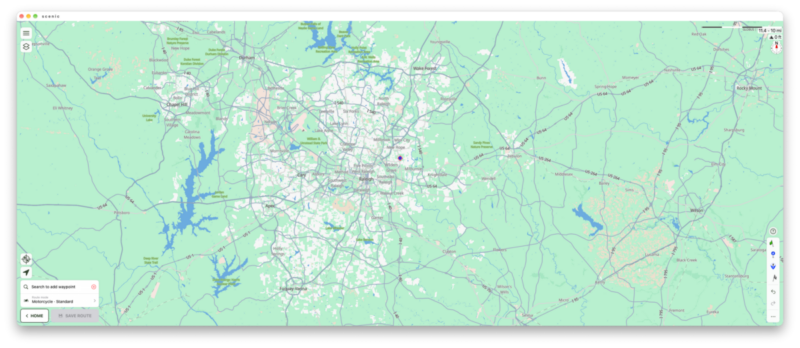
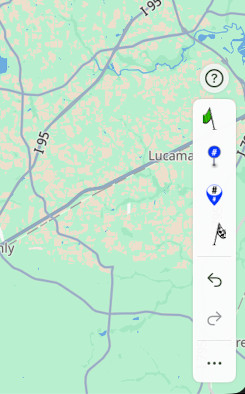
I often open the Scenic App on my Mac while planning so I can use my large monitor. On the latest version 4.48, I can't seem to find the search button in the planner. Looks like the lower right corner of the screen doesn't have the double arrow icon that is present on iOS on the phone to expand the menu that contains the search icon. Am I missing something on Mac OS? Attached is a screenshot on my Mac. Thanks!
I often open the Scenic App on my Mac while planning so I can use my large monitor. On the latest version 4.48, I can't seem to find the search button in the planner. Looks like the lower right corner of the screen doesn't have the double arrow icon that is present on iOS on the phone to expand the menu that contains the search icon. Am I missing something on Mac OS? Attached is a screenshot on my Mac. Thanks!


