
Scenic om Chigee - no "daylight"
Quote from Kamehlsen on 31.07.2026, 03:07Hi.
I know this topic has been covored previously - but I have not been able to find a solution - perhaps someone has ?
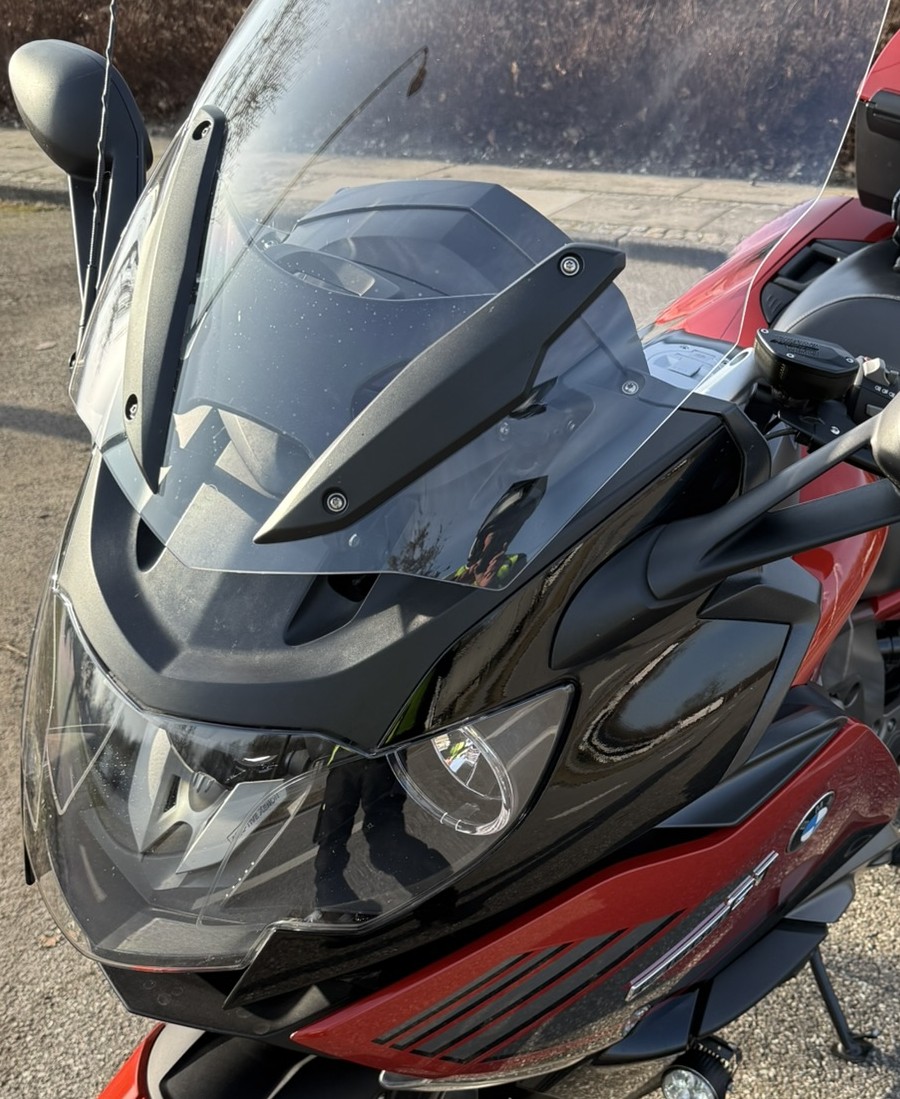
I have a BMW K1600 GT (model year 2014, production year 2016)
I have a Chigee AIO-5 Play for BMW (carplay-unit)
But I have not been able to "force" scenic to appear in "daylight-mode" on my Chigee-unit.
It originally was same situation with "Google-maps" - but then I found a setting (on the Chigee-unit - for the Google-maps-app), where I could force map-colour to be "light"
But I simply cannot find this "setting" for the Scenic-app anywhere.
(og course, I HAVE set the chigee-setting on my unit to "appearance: automatic" (which should force the unit to use i.e. "sunlight-hours" as "background" for dark or light map-colour. )
It is as if, when I "open" the Scenic-app om my Ghigee-unit, then for a short second or so, the map colour is "light" - but then it immediately turns "dark".
BTW: I cannot find a "light" setting for the "apple-map-app" either.... (but I don't use that very much - so not that big a deal 😉 )
I myself can think of two "problems":
- one: If there is a "sensor" on the chigee-unit, that detects "outside light" - and then of course because the unit is mounted in the "cradle" on my BMW, its "sourrouinding" is dark - and therefore it thinks, that it is "night"
two: it has something to do with the "lights are turned on" - and therefore it also thinks it is "night-time" (but that is not possible to "overcone", as our ligths of course are "always on"
This might be a "chigee-issue" more than a "scenic-issue" - but since I - as mentioned - found the "setting" in the "google-maps-app", where, I could "force" the map colour to "day", I thought, that maybe this setting could be included in the Scenic-app-setting somewhere in my Chigee-unit
any help ?
Hi.
I know this topic has been covored previously - but I have not been able to find a solution - perhaps someone has ?
I have a BMW K1600 GT (model year 2014, production year 2016)
I have a Chigee AIO-5 Play for BMW (carplay-unit)
But I have not been able to "force" scenic to appear in "daylight-mode" on my Chigee-unit.
It originally was same situation with "Google-maps" - but then I found a setting (on the Chigee-unit - for the Google-maps-app), where I could force map-colour to be "light"
But I simply cannot find this "setting" for the Scenic-app anywhere.
(og course, I HAVE set the chigee-setting on my unit to "appearance: automatic" (which should force the unit to use i.e. "sunlight-hours" as "background" for dark or light map-colour. )
It is as if, when I "open" the Scenic-app om my Ghigee-unit, then for a short second or so, the map colour is "light" - but then it immediately turns "dark".
BTW: I cannot find a "light" setting for the "apple-map-app" either.... (but I don't use that very much - so not that big a deal 😉 )
I myself can think of two "problems":
- one: If there is a "sensor" on the chigee-unit, that detects "outside light" - and then of course because the unit is mounted in the "cradle" on my BMW, its "sourrouinding" is dark - and therefore it thinks, that it is "night"
two: it has something to do with the "lights are turned on" - and therefore it also thinks it is "night-time" (but that is not possible to "overcone", as our ligths of course are "always on"
This might be a "chigee-issue" more than a "scenic-issue" - but since I - as mentioned - found the "setting" in the "google-maps-app", where, I could "force" the map colour to "day", I thought, that maybe this setting could be included in the Scenic-app-setting somewhere in my Chigee-unit
any help ?

Quote from Guido on 31.07.2026, 11:51It sounds like your Chigee unit is always in Dark mode. There are two levels on this.
The Chigee settings (so not the CarPlay settings on Chigee). Perhaps there is some kind of setting to set this to light, or auto. Maybe someone with a Chigee can shed some light on this? (pun intended)From a Scenic perspective, what you could do it set it to use your light map even when on dark appearance. To do this:
- In main screen tap 2nd button top left
- Select 'My map styles'
- Tap on the default light style (or whatever style you are using for light mode)
- In the pop-up menu that appears tap 'use for dark appearance'.Now that map style will also be used when the overall UI is set to dark mode.
It sounds like your Chigee unit is always in Dark mode. There are two levels on this.
The Chigee settings (so not the CarPlay settings on Chigee). Perhaps there is some kind of setting to set this to light, or auto. Maybe someone with a Chigee can shed some light on this? (pun intended)
From a Scenic perspective, what you could do it set it to use your light map even when on dark appearance. To do this:
- In main screen tap 2nd button top left
- Select 'My map styles'
- Tap on the default light style (or whatever style you are using for light mode)
- In the pop-up menu that appears tap 'use for dark appearance'.
Now that map style will also be used when the overall UI is set to dark mode.

Quote from Mex on 31.07.2026, 23:05Hi kamehlsen.
The chigee unit got his own sensor and you may set the appearance to always in light mode in the settings of your chigee.
In your case the chigee is connected to your K1600 by can-bus system. So your BMW tells the chigee unit to switch to dark mode as long as your lights are turned on, of course they have to be turned on.
To find out whats happening, try to switch off lights at the BMW, no idea how you do it, maybe in the settings.
Set the appearance in the settings of the chigee to: always light.Hope that helps. Ride safe, Mex
Chigee AIO-5 wired to a Multistrada 1200, iPhone 11 Pro
Hi kamehlsen.
The chigee unit got his own sensor and you may set the appearance to always in light mode in the settings of your chigee.
In your case the chigee is connected to your K1600 by can-bus system. So your BMW tells the chigee unit to switch to dark mode as long as your lights are turned on, of course they have to be turned on.
To find out whats happening, try to switch off lights at the BMW, no idea how you do it, maybe in the settings.
Set the appearance in the settings of the chigee to: always light.
Hope that helps. Ride safe, Mex
Chigee AIO-5 wired to a Multistrada 1200, iPhone 11 Pro
Quote from Kamehlsen on 02.08.2026, 01:08Hi Guido ans Mex. Thanks for suggestions,
@guido: THAT was the solution, that worked… the one with changing the map for “dark appearance”
however with a little “twist”….
it was not possible just to change the default light style…. But I had to take a copy of the “light style-map”. And then this copy should be set as “use for dark appearance”
and now it works
thanks 👍
Hi Guido ans Mex. Thanks for suggestions,
@guido: THAT was the solution, that worked… the one with changing the map for “dark appearance”
however with a little “twist”….
it was not possible just to change the default light style…. But I had to take a copy of the “light style-map”. And then this copy should be set as “use for dark appearance”
and now it works
thanks 👍


