
Detour behaviour in Scenic / Skipping Waypoints (route recalculation / deviating from the route)
In Scenic you can customize the detour behaviour — in other words, how Scenic reacts when you deviate from your route. This matters especially for motorcycle routes, where we typically place several waypoints to stay away from straight, boring roads. The detour behaviour settings determine what Scenic does when you miss a waypoint.
You’ll find these options under Settings > Navigation & Tracking > Detour Behaviour.
What to do when leaving the route?
There are 4 options. The descriptions in the app speak for themselves.
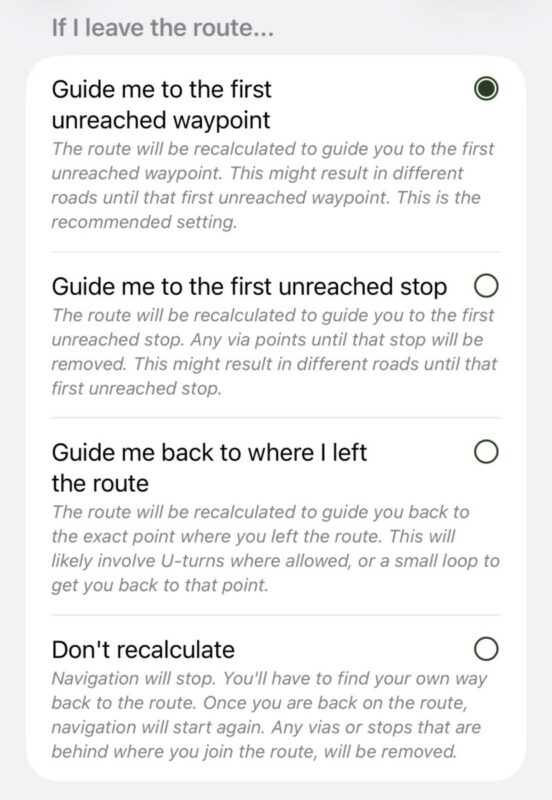
With the default option, “Guide me to the first unreached waypoint”, Scenic guides you relentlessly from one waypoint to the next: even if you rejoin the route further ahead, Scenic will still try to send you back to the missed waypoint.
IMPORTANT: This also applies to the route start point. If “guidance to route start”
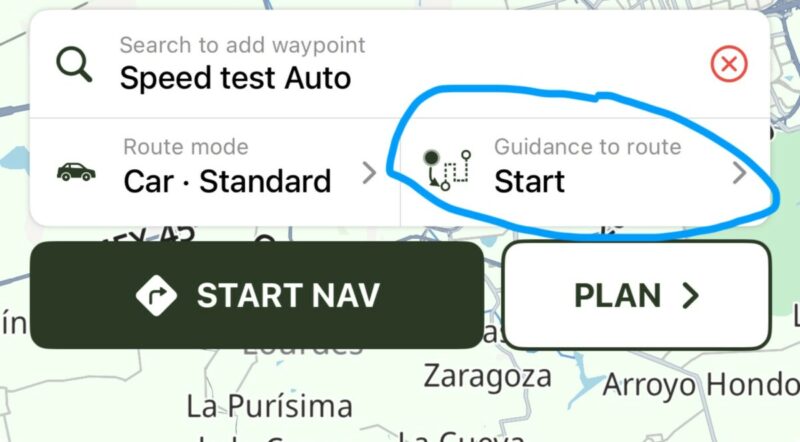
is on and you don’t reach the start, Scenic will relentlessly guide you there. You usually only want guidance to the route start when it’s far away, or when you’re sure you’ll pass it — if the route starts right behind you, you may never reach it.
Stops are marked as reached when you take a break near them
A stop is often a coffee shop, restaurant or viewpoint in a parking area. When riding there — especially with a group — you don’t always cross the exact stop location: you park where there’s space. Scenic handles this automatically: if you stand still for about 1½ minutes within about 150 m of your next stop, that stop (and any vias before it) is marked as reached. When you ride off after your break, Scenic simply guides you to the next waypoint instead of back to the parking lot.
(Auto-)skipping waypoints
You can skip a waypoint during navigation. This is essential: with “Guide me to the first unreached waypoint”, skipping is how you tell Scenic to let a missed waypoint go. Typical reasons:
- You want to shorten the route
- You deliberately chose a different road
- A waypoint sits on a temporarily closed road
- You accidentally placed a waypoint too far from a known road (this can happen when placing waypoints while zoomed far out)
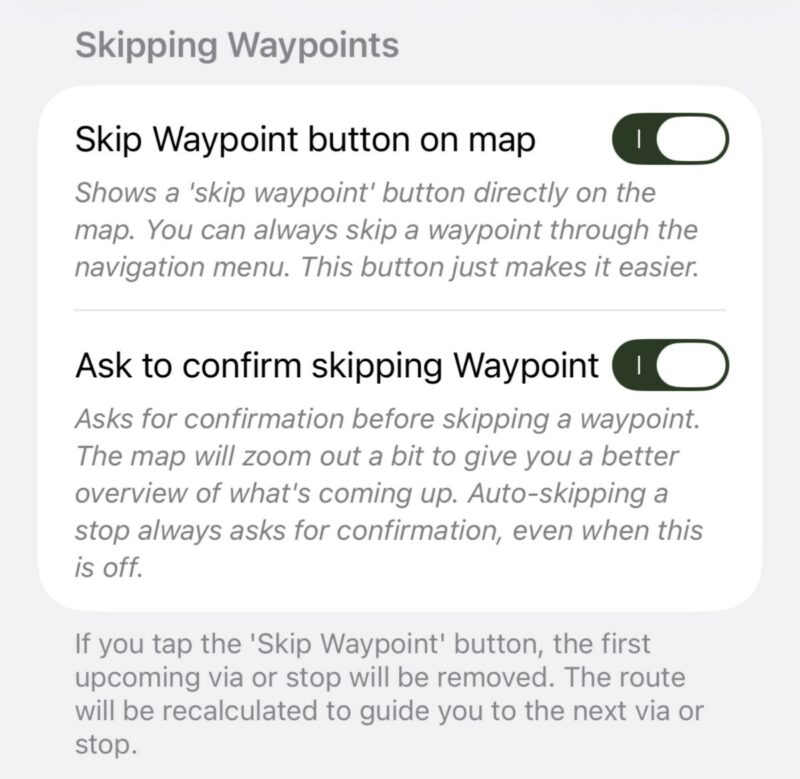
There is also an option to auto-skip the next waypoint:
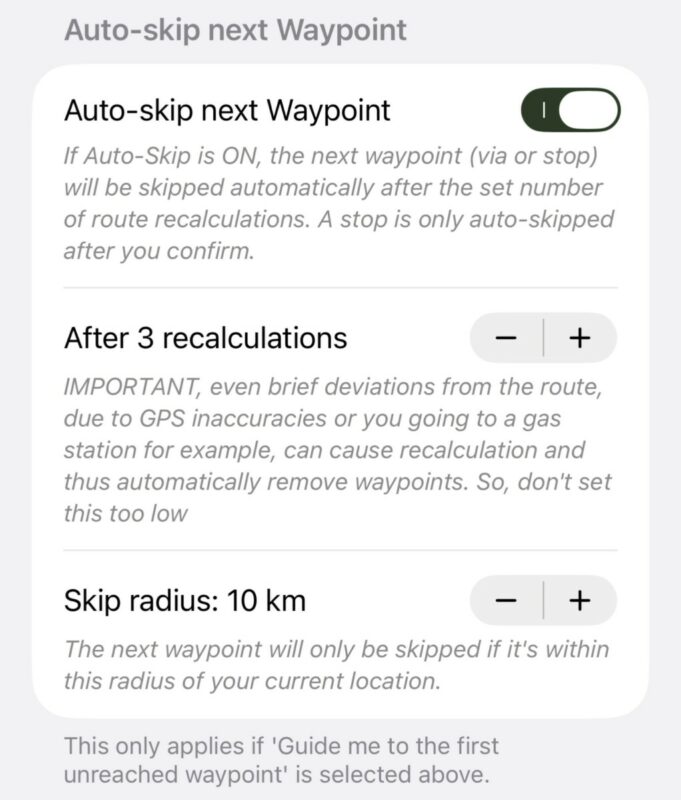
after the set number of route recalculations aimed at the same waypoint (and only while it’s within the skip radius), Scenic skips it for you. This applies to vias and stops alike — but with one difference: a stop is never auto-skipped without asking you first. Even if “Ask to confirm skipping Waypoint” is turned off, a confirmation appears before a stop is skipped (if you don’t respond, the skip proceeds when the countdown runs out). Vias with confirmation off are skipped silently.
How to manually skip a waypoint
There are a few ways. On iPhone, you can tap this button:

it also works while you’re off the route, for example when you’re parked away from a stop you couldn’t reach. If you prefer not to have this button on the map, you can hide it via Settings > Navigation & Tracking; a similar button is available in the navigation menu. On CarPlay and Android Auto, tap “skip waypoint” on the map and confirm the alert.


Guide back to route
This feature only applies when detour behaviour is set to “Don’t recalculate”. If you leave the route, turn-by-turn instructions stop and a “go to route” message appears. As soon as you rejoin the route, navigation resumes. If you can’t find your own way back, the button on the map guides you to the first unreached waypoint.


