Please or Register to create posts and topics.

Unable to edit points of interest

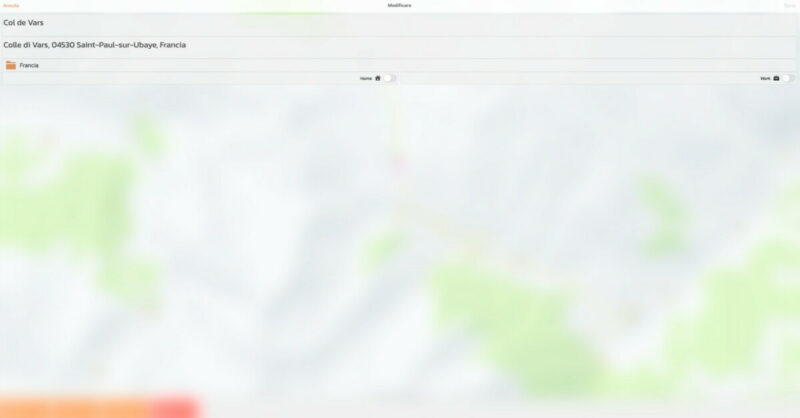
Hi to all, when I try to edit a poi the window opens regularly but the image is completely blurred so I can't do anything.

The only solution I found for the moment is to delete the poi and create it from scratch.

Does anyone know how to solve this problem?

Is this on Mac? If so, it could be a UI issue where there is a message or spinner that falls off screen.

If you're enjoying Scenic and are happy with the support, please leave a nice rating in the App Store. It would mean a lot to me ❤️

Yes, I am working with a Mac. Is there any way to solve the problem?

Sorry... I didn't remember correctly. You can't change the location of an already existing Location. Also not on iOS. You can only change the name and description.  The only way to do this at the moment is indeed to remove the location and add a new one. I'll add this to the list to add an edit feature in the future.

If you're enjoying Scenic and are happy with the support, please leave a nice rating in the App Store. It would mean a lot to me ❤️

Thank you Guido, it will be a very interesting and useful option.