Quote from
Guido on 25.03.2025, 06:16
Sorry. The tutorial videos are still showing the old version of Scenic. I’ve not gotten around to updating them.
To navigate a route tap this button:
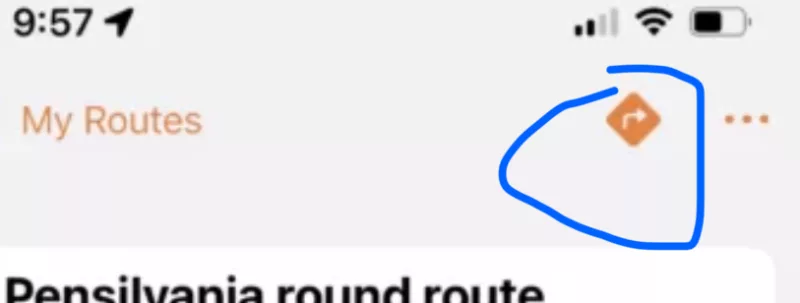
This will load the route onto the main screen. If you now tap the ride button, then navigation will start.
Alternatively, tap the “search” button in the main screen and select or search for the route in there.
Let me know if you have any further questions. Happy to help.
Sorry. The tutorial videos are still showing the old version of Scenic. I’ve not gotten around to updating them.
To navigate a route tap this button:
This will load the route onto the main screen. If you now tap the ride button, then navigation will start.
Alternatively, tap the “search” button in the main screen and select or search for the route in there.
Let me know if you have any further questions. Happy to help.


