Hi folks I’m having an issue that I’m not able to solve.
I have received a file (generated in base camp) which I was able to import to Scenic. For some odd reason I’m not able to save it I have also tried it with other files with the same result I even tried to delete most of the points (28 remaining) but still no change. I can see the save button, but it’s grey and I can’t save it. Has somebody an idea, how to get the file in the system?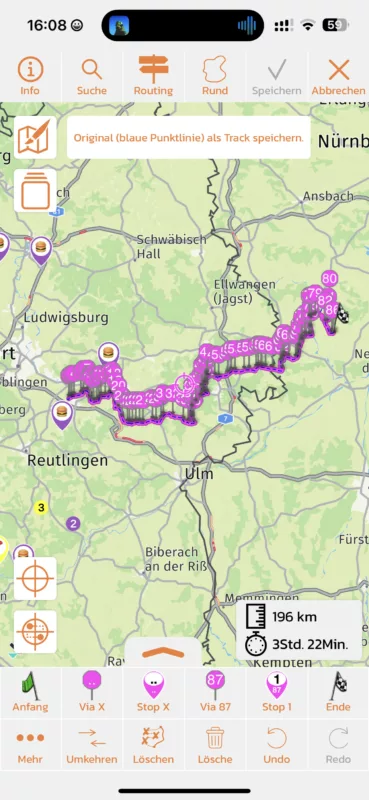
Hi folks I’m having an issue that I’m not able to solve.
I have received a file (generated in base camp) which I was able to import to Scenic. For some odd reason I’m not able to save it I have also tried it with other files with the same result I even tried to delete most of the points (28 remaining) but still no change. I can see the save button, but it’s grey and I can’t save it. Has somebody an idea, how to get the file in the system?


