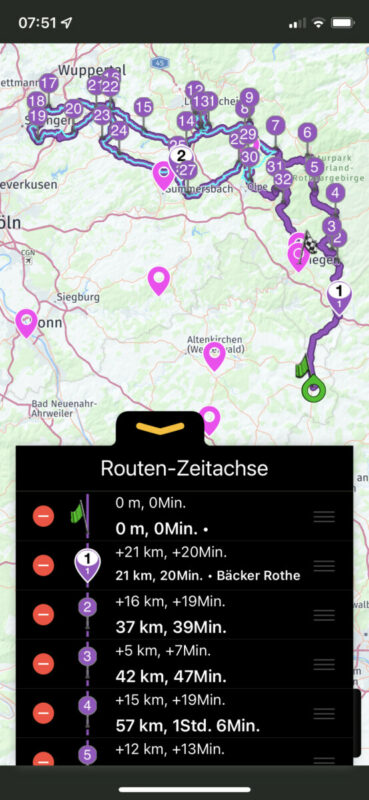
Dark mode since 3.09

Quote from Mex on 24.06.2022, 00:53Hi folks.
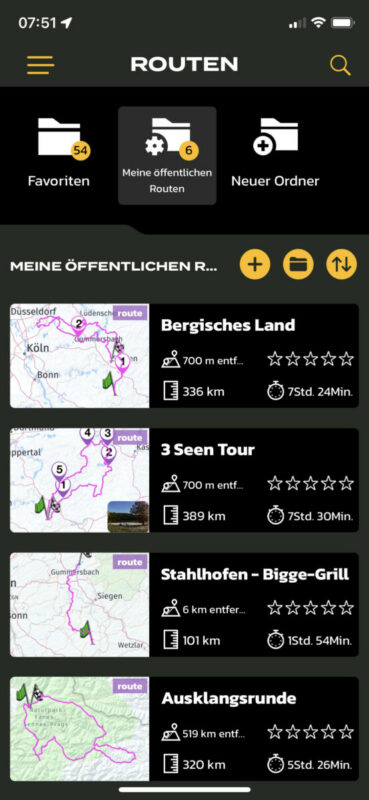
I discovered that the backround colour of my folders changed with 3.09. Since that update its white on white.
Or maybe my settings are wrong?
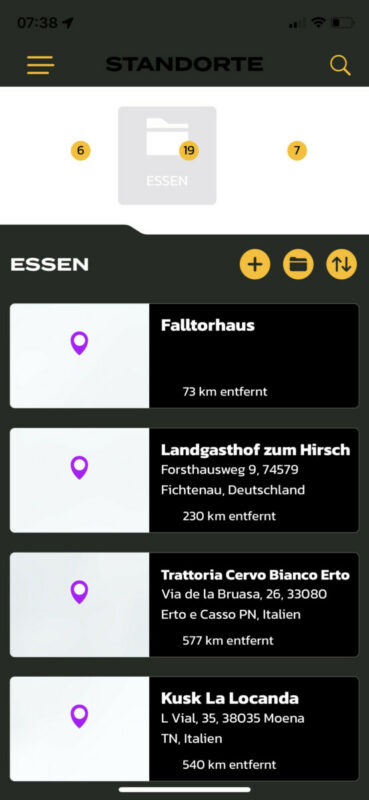
Daymode looks like it should:
I know my folders, but could be confusing newbies.
Thanks, Mex
But darkmode looks like this:
Hi folks.
I discovered that the backround colour of my folders changed with 3.09. Since that update its white on white.
Or maybe my settings are wrong?
Daymode looks like it should:
I know my folders, but could be confusing newbies.
Thanks, Mex
But darkmode looks like this:
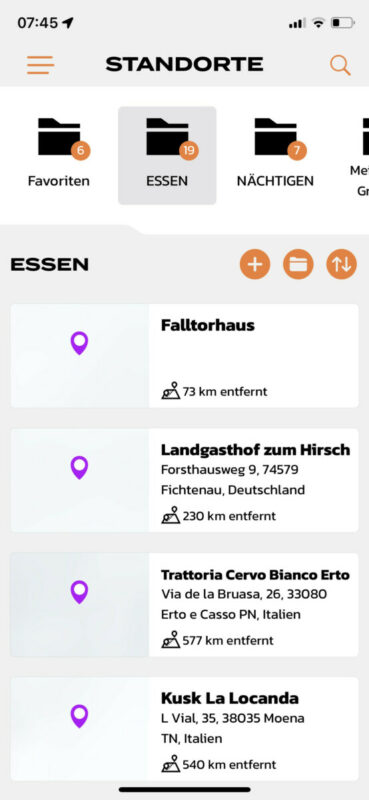
Quote from Mex on 24.06.2022, 01:44White fonts on white backround
Didnt change my settings. Just switched from dark to day as it came up and back to dark.
Regards, Mex
White fonts on white backround
Didnt change my settings. Just switched from dark to day as it came up and back to dark.
Regards, Mex


Quote from Guido on 24.06.2022, 05:41Strange. I can not reproduce this here on my end. What iOS version are you on?
And what is your setting for Dark mode in Scenic? Auto, Never or Always? (Settings > Colors & Style)
Strange. I can not reproduce this here on my end. What iOS version are you on?
And what is your setting for Dark mode in Scenic? Auto, Never or Always? (Settings > Colors & Style)
Quote from Mex on 24.06.2022, 08:50Hi Guido.
IOS 15.5 on all devices.
Darkmode was set to always.
Thx for the fast response.
Greets, Mex
Hi Guido.
IOS 15.5 on all devices.
Darkmode was set to always.
Thx for the fast response.
Greets, Mex
Quote from Guido on 24.06.2022, 08:53Ok. Just tried. Indeed with dark mode to always I can reproduce. Will investigate. For now as a workaround set dark mode to auto and it should be Ok
Ok. Just tried. Indeed with dark mode to always I can reproduce. Will investigate. For now as a workaround set dark mode to auto and it should be Ok
Quote from Mex on 24.06.2022, 11:59Thanks. I could use daymode as well. Dont really care, but darkmode works better for „elderly people“ 😎
Regards, Mex
Thanks. I could use daymode as well. Dont really care, but darkmode works better for „elderly people“ 😎
Regards, Mex
Quote from Mex on 30.06.2022, 00:15Hi Guido.
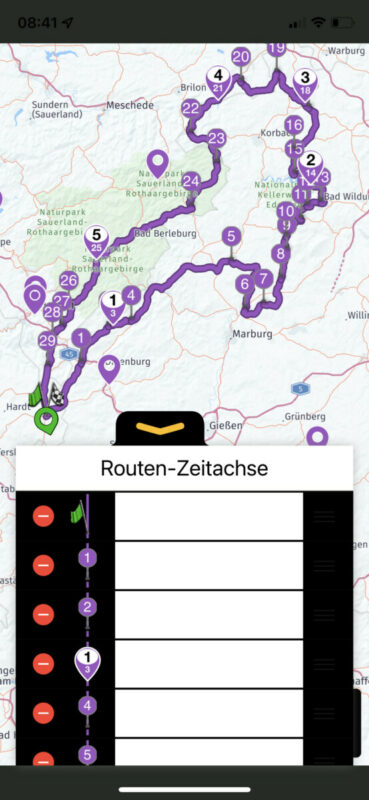
I used a screenshot of scenic in another topic to answer.
My screen showed black fonts on white backround. Absolut correct.
The screenshot shows white on white. Think this isnt on purpose. But may help to solve the problem.
Regards, Mex
Hi Guido.
I used a screenshot of scenic in another topic to answer.
My screen showed black fonts on white backround. Absolut correct.
The screenshot shows white on white. Think this isnt on purpose. But may help to solve the problem.
Regards, Mex
Quote from massi on 30.06.2022, 03:47Did you notice, that a version 3.10 is out? As far as I saw, this problems are solved in this version.
This leads me to another question, why is scenic not shown in the update tab of the app store when an update is available?
Did you notice, that a version 3.10 is out? As far as I saw, this problems are solved in this version.
This leads me to another question, why is scenic not shown in the update tab of the app store when an update is available?
Quote from Guido on 30.06.2022, 04:46This is not resolved in 3.10. Unexpected / untested side effect of CarPlay addition. Will be fixed in upcoming release.
It occurs when your iPhone changes mode while Scenic is open (in background or foreground, running or not running) Closing Scenic through app switcher and reopening should resolve it temporarily.why is scenic not shown in the update tab of the app store when an update is available?
App Store has an option to release an update phased over a 7 day period. With that option enabled the update is pushed / made available to users gradually over those 7 days. I always do this for bigger updates in case their are unexpected / untested side effects, like this one. If it’s a big one I can stop the further release limiting the users that era affected, which I did on this case
This is not resolved in 3.10. Unexpected / untested side effect of CarPlay addition. Will be fixed in upcoming release.
It occurs when your iPhone changes mode while Scenic is open (in background or foreground, running or not running) Closing Scenic through app switcher and reopening should resolve it temporarily.
why is scenic not shown in the update tab of the app store when an update is available?
App Store has an option to release an update phased over a 7 day period. With that option enabled the update is pushed / made available to users gradually over those 7 days. I always do this for bigger updates in case their are unexpected / untested side effects, like this one. If it’s a big one I can stop the further release limiting the users that era affected, which I did on this case