Quote from
johansw on 23.05.2024, 01:19
Hi Guido,
I followed your link, but the link “here” in upcoming text led to Page not found.
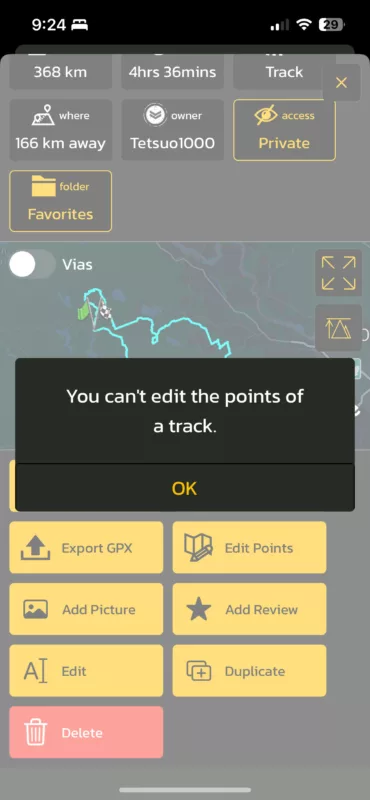
Scenic makes these difference clear by drawing the original track as a blue dotted line, and the calculated route as the red line (by default it’s magenta). Mostly these differences can easily be corrected by moving, deleting or adding some via points. Why these difference occur and how they can be corrected is explained here.
Hi Guido,
I followed your link, but the link “here” in upcoming text led to Page not found.
Scenic makes these difference clear by drawing the original track as a blue dotted line, and the calculated route as the red line (by default it’s magenta). Mostly these differences can easily be corrected by moving, deleting or adding some via points. Why these difference occur and how they can be corrected is explained here.